
ICT
Updated ULCN login screen for university systems
From Monday 17 August at approx. 17.00, staff and students will begin to see a new login screen when signing into an increasing number of university applications.
Leiden University is moving towards a more uniform login experience. As a result, the familiar blue ULCN login screen will gradually be replaced by the Microsoft login screen, which is already used for many university services.
What is changing?
- More applications and online services will use the Microsoft login screen.
- On this screen you must enter your user name + @vuw.leidenuniv.nl. In other words, username@vuw.leidenuniv.nl
- You won’t need to log in as often. After signing in with your university account, you will have access to more university applications. This does mean it’s even more important to lock your computer if you walk away from your workspace.
- The Microsoft login screen will have Leiden University branding showing a photo of the Academy Building and university flag.
- Useful links like how to re-set your password will be easier to find.
What will it look like?
-
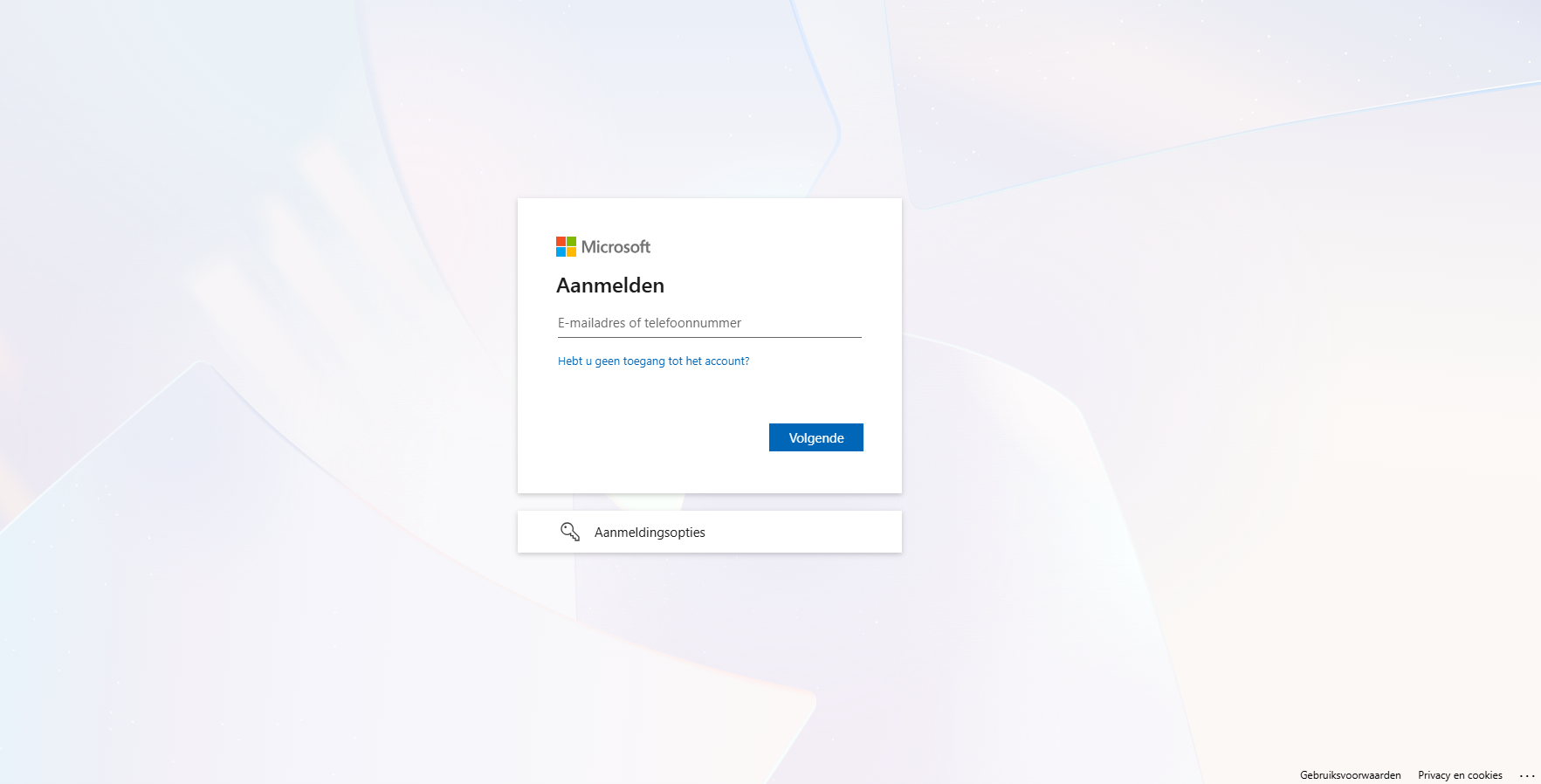
On this screen, enter: username@vuw.leidenuniv.nl -
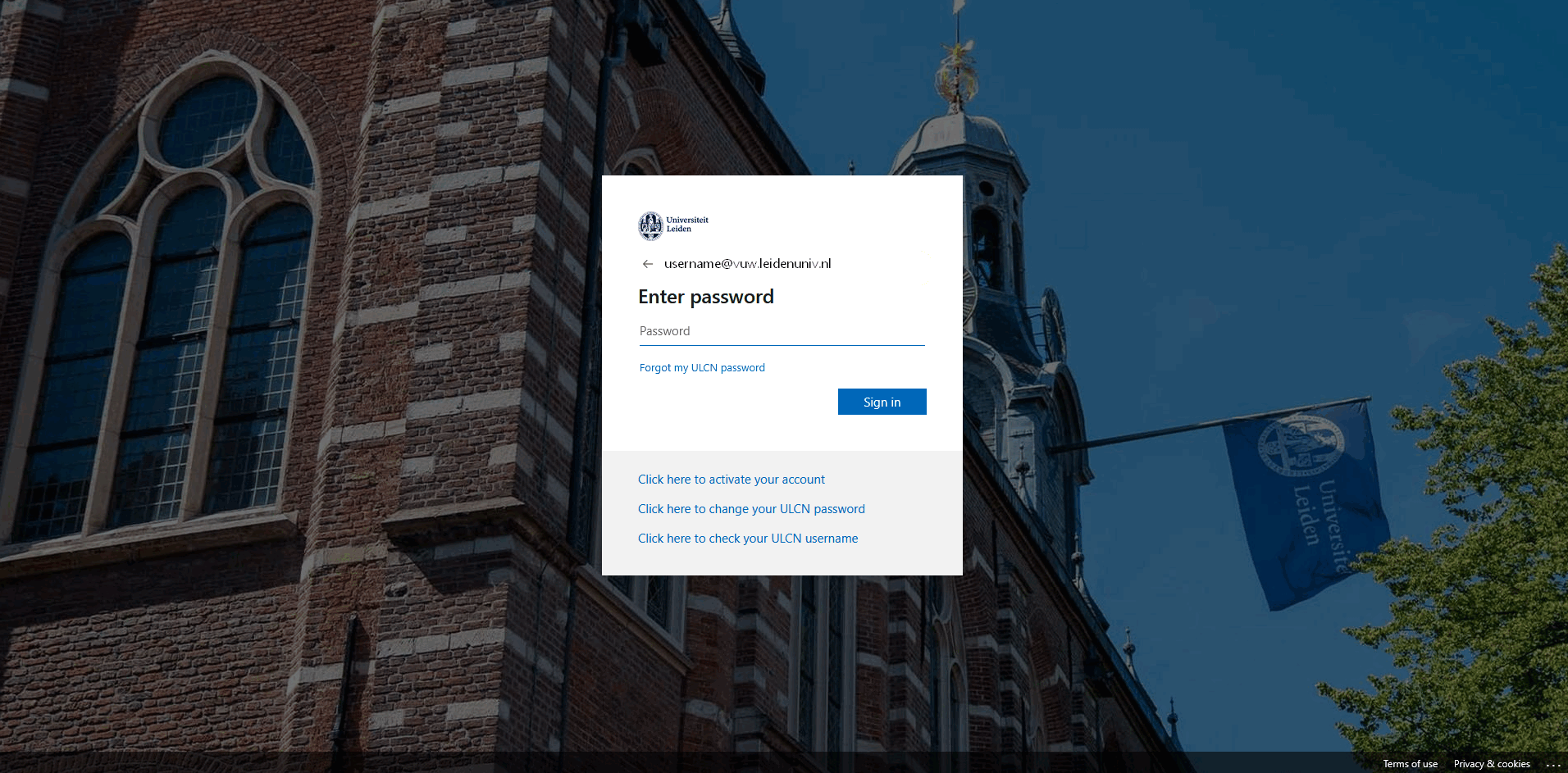
On the following screen, enter your password